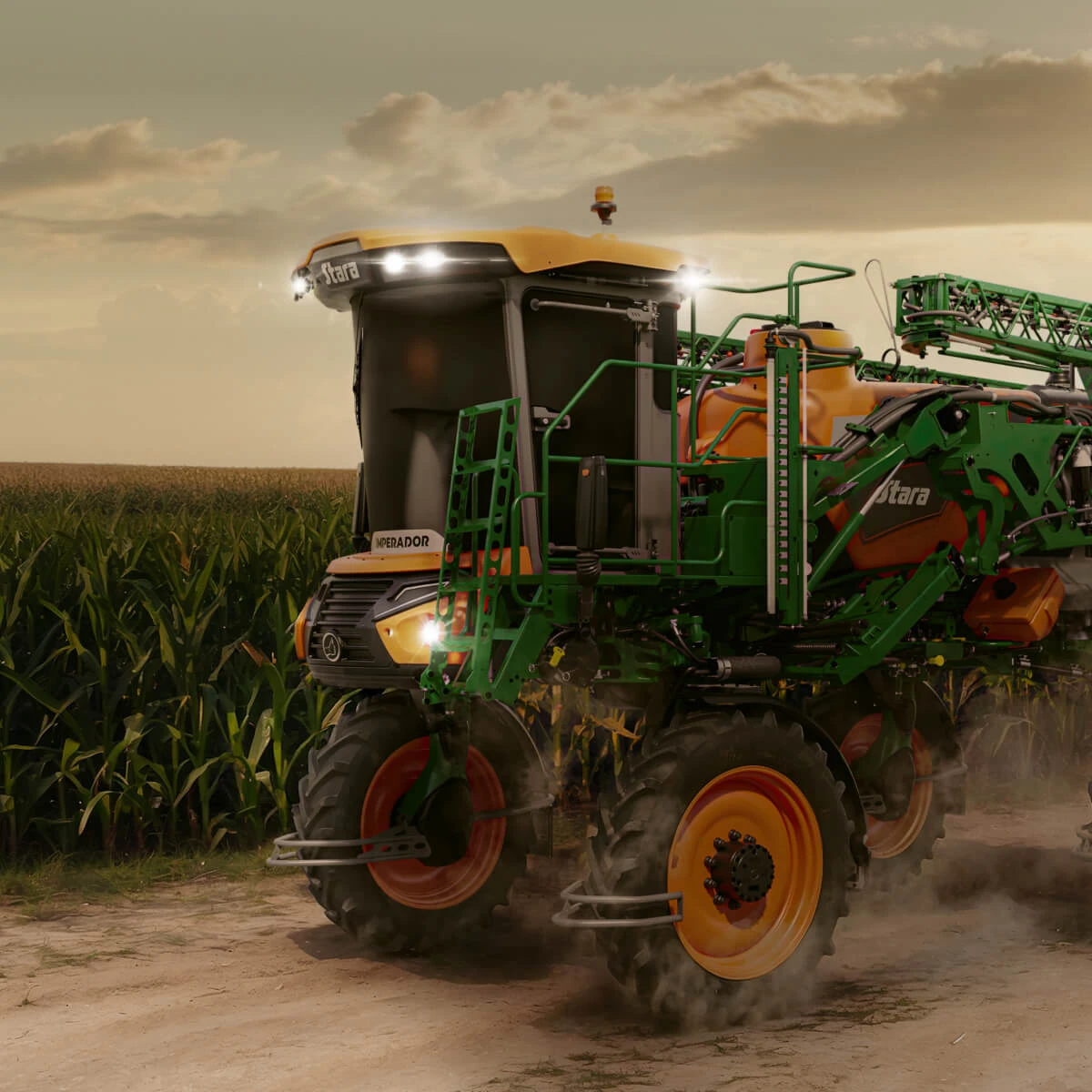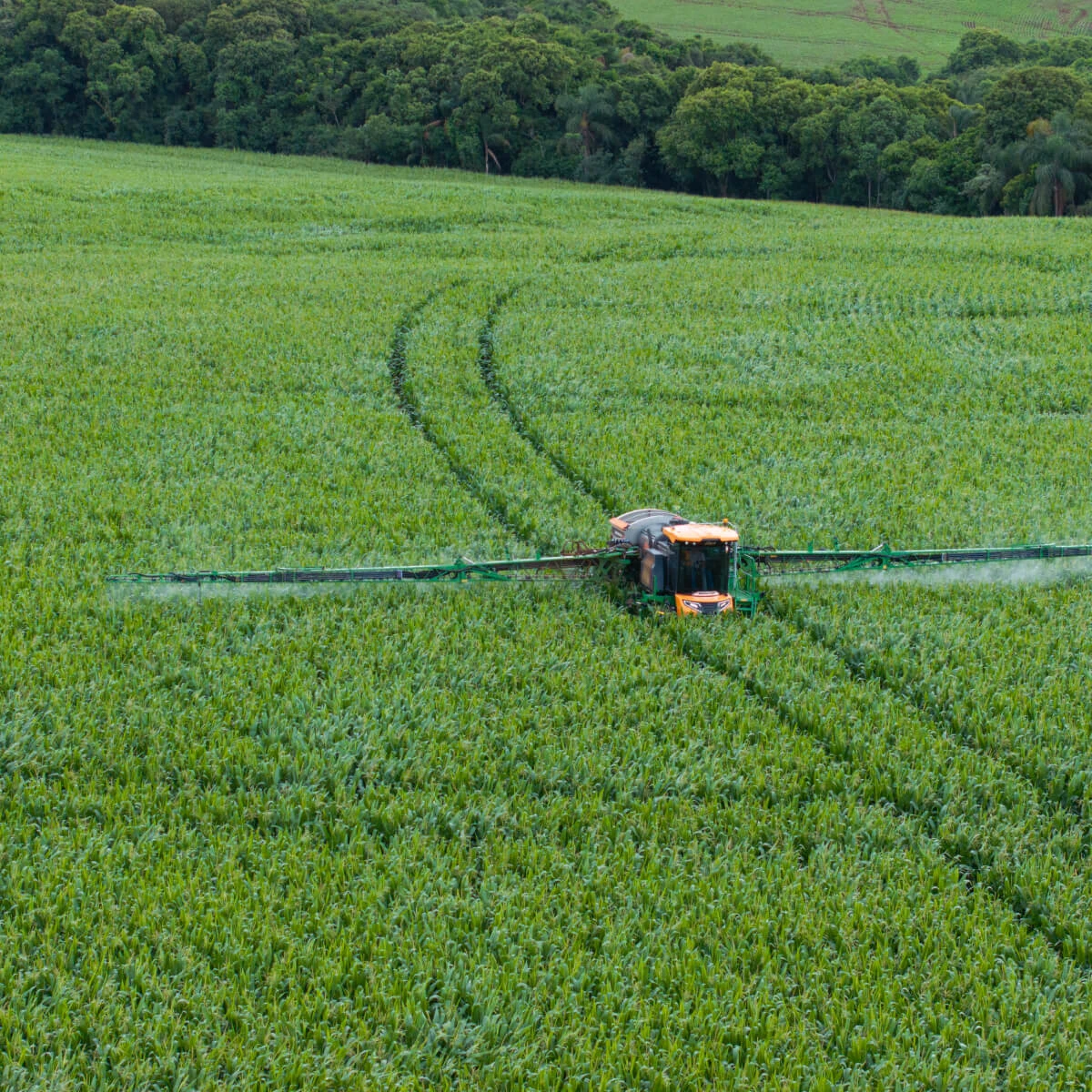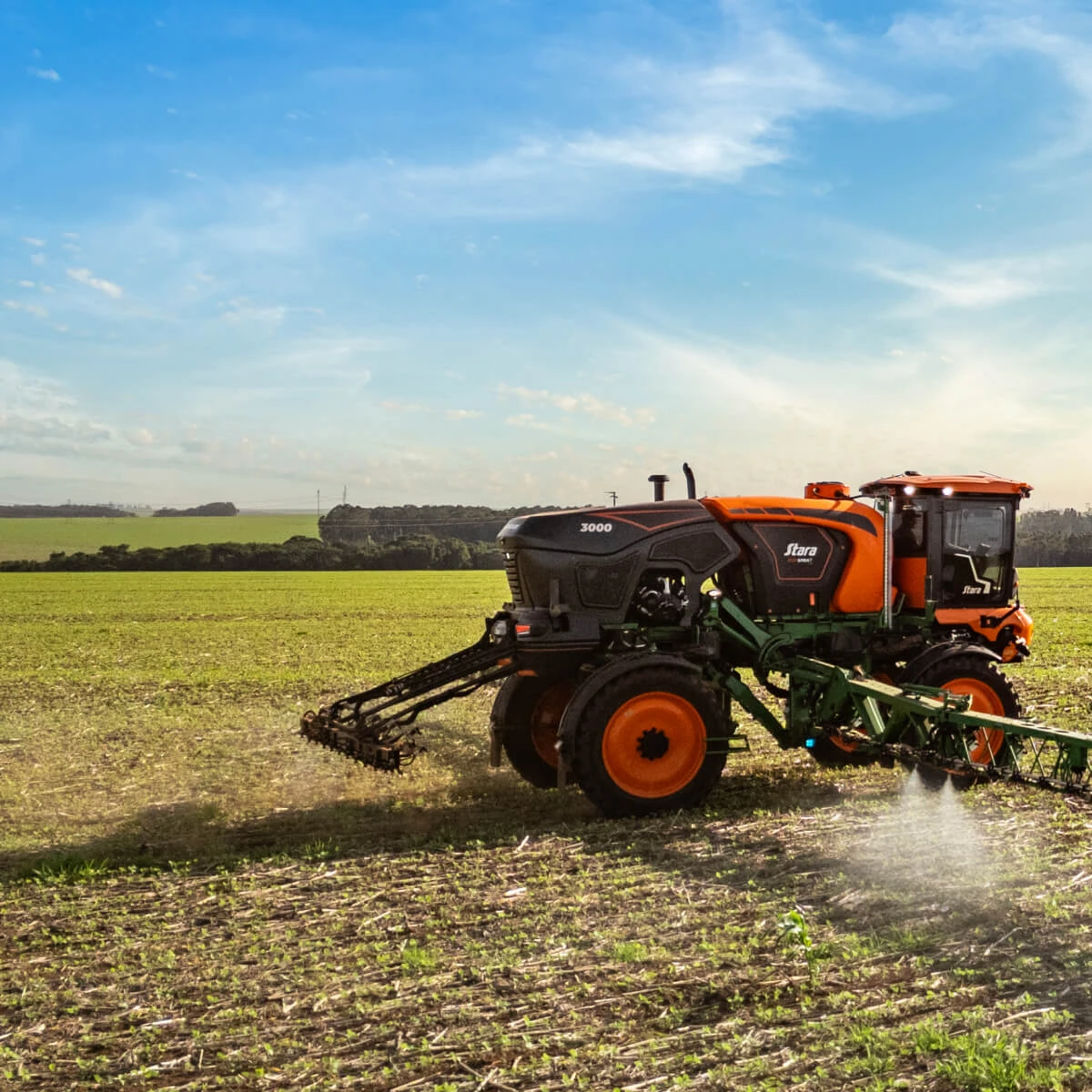



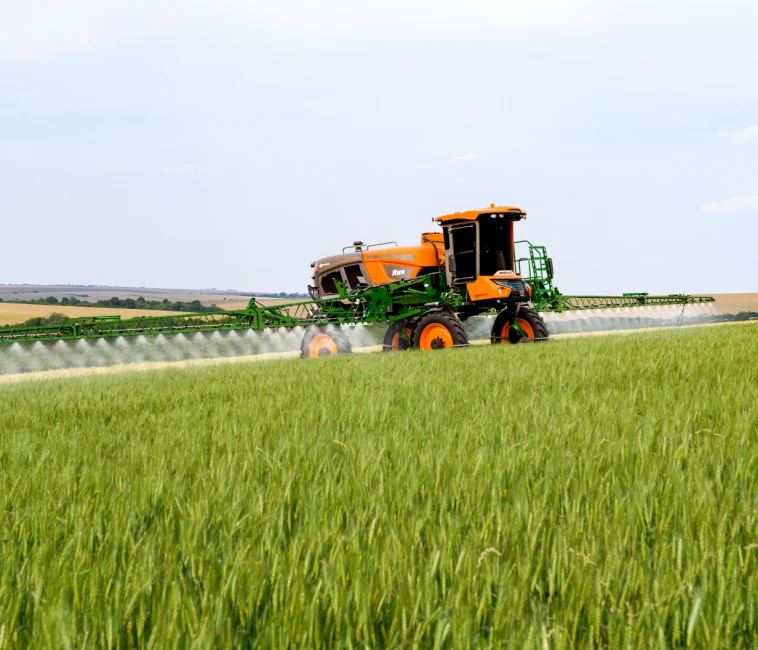
Calibration involves checking and adjusting the sprayer to ensure that its actual output matches the application rate specified in the agronomic recommendation and entered into the controller. The operating parameters must be set correctly to achieve even spray distribution and adequate deposition on the target.
When setting up a Stara self-propelled sprayer, consider the target, required application rate, operating speed, nozzle spacing and droplet size. Use these requirements to select suitable nozzle tips and determine their operating pressure and flow rate ranges.
Before heading into the field, follow the procedure below to set up the machine, inspect the spray circuit and check its operation. Depending on the model and configuration, the features available across the Imperador range help regulate application, maintain boom stability and reduce overlaps.
What should calibration achieve in the field?
First, check that the sprayer delivers the application rate set on the controller. This means checking the volume applied per hectare, nozzle tip output, pressure, operating speed, nozzle spacing and boom height above the target.
Setup defines how the machine will operate. Calibration confirms that it delivers the required output under those conditions. Simply setting 100 L/ha on Topper is not enough: the nozzle tips must deliver the necessary flow throughout the intended speed range, at suitable pressures and with the required droplet spectrum.
During operation, the electronic control system adjusts flow to compensate for changes in speed and maintain the set application rate. It cannot, however, compensate for component faults or an unsuitable setup. Worn nozzle tips, blocked filters, leaks or an unsuitable combination of nozzle tip and pressure can compromise uniformity even when the display shows the required rate.
How do you calibrate a Stara self-propelled sprayer?
Before setting up the machine, establish the agronomic requirements for the application. Consider the crop, product, dose, spray volume per hectare, droplet spectrum and weather conditions. Refer to the product label and instructions for use, together with the recommendation from the agronomist responsible.
Start by entering the settings into the controller, then check that the sprayer actually delivers the programmed rate. Follow the procedure recommended by our technicians below:
1. Carry out the preliminary checks
Before setting up and calibrating the sprayer, carry out the general inspection described in the machine manual. Check fluid and fuel levels, the cooling system, hoses, fittings, tyres and all other items listed in the pre-operational inspection.
In the cab, check that the settings on Topper are appropriate and that there are no active alerts.
- Next, inspect the spraying system:
- suction and pressure filters;
- nozzle and tip assemblies;
- pipes, valves and sections.
- hoses, fittings and other spray circuit components.
Wear the specified PPE whenever contact with residues or spray circuit components is possible.
2. Determine the application rate and droplet spectrum
Choose an application rate in L/ha that suits the target, product, crop canopy, required coverage, weather conditions and operating capacity. The spray volume and droplet spectrum should provide adequate coverage and deposition on the target in accordance with the technical recommendation.
Contact products, for example, may require more thorough target coverage. Coarser droplets may be needed where there is a greater risk of drift.
3. Select nozzle tips for the intended operating range
Nozzle tips directly affect flow rate and droplet formation. Once the application requirements have been established, select a model that delivers the necessary flow within the manufacturer's recommended pressure range while producing the required droplet spectrum.
Calculate the theoretical flow required from each nozzle tip to check whether it is suitable for the planned application:
- Flow rate per nozzle tip (L/min) = application rate (L/ha) × speed (km/h) × nozzle tip spacing (m) ÷ 600.
Compare the result with the nozzle manufacturer's chart. Select a model that delivers this flow within a suitable pressure range while producing the required droplet spectrum.
The effect of pressure changes varies with nozzle tip design. Single flat-fan tips tend to produce smaller droplets as pressure increases. Air-induction or pre-orifice tips may maintain a more consistent droplet spectrum within their specified range. Base your selection on the chart for the specific nozzle tip.
Set the boom height according to the spray angle, nozzle tip spacing and recommended distance above the target. Excessive height exposes droplets to more wind. If the boom is too low, the spray patterns may not overlap sufficiently, resulting in uneven application across the spray width.
4. Prepare and check the spray circuit with clean water
Fill the tank with clean water only, switch on the system and inspect the spray circuit while it is running. Check:
- suction and pressure filters;
- flow meters, pipes and valves;
- sections, nozzle and tip assemblies;
- any signs of leaks, blockages, air ingress or damage;
- the operation of spraying system sensors;
- spray pattern uniformity along the booms.
These checks help identify faults before calibration. A partially blocked filter or damaged nozzle tip can affect flow through part of the boom even when the rest of the system is working normally.
5. Enter the nozzle tip settings on Topper
On Topper, select the nozzle tip model fitted to the boom and enter the minimum and maximum operating pressures specified in the manufacturer's chart. Imperador 2000, 2500 and 3.0 use Topper 5500 VT, while Imperador 3000 and 4000 use Topper 6500. Both controllers require the correct settings to compare the programmed application rate with actual system output during operation.
On machines equipped with the Twin Row Spraying System, enter the settings for each row and for both rows operating together.
6. Calibrate the spray product
After entering the nozzle tip settings, configure the spray product. This includes calibrating the flow meter so that the machine measures flow accurately. Use only clean water in the tank throughout this procedure.
Set the operating pressure on Topper and follow the instructions for collecting samples at different positions along the spray boom. Enter the collection time and the number of samples to be taken. Taking more samples improves calibration accuracy.
Use a measuring jug to collect and measure the liquid discharged by the nozzles over the specified period. Record the volumes and enter them into the controller. The system then calculates the flow meter calibration factor to bring the flow reading into line with the volume actually collected.
Compare the measurements to identify any differences between nozzle tips. If a tip is worn, blocked or delivering an unexpected flow rate, clean or replace it according to the manufacturer's instructions. Use a suitable brush or the cleaning method specified in the manual. Do not use metal objects that could damage or alter the orifice.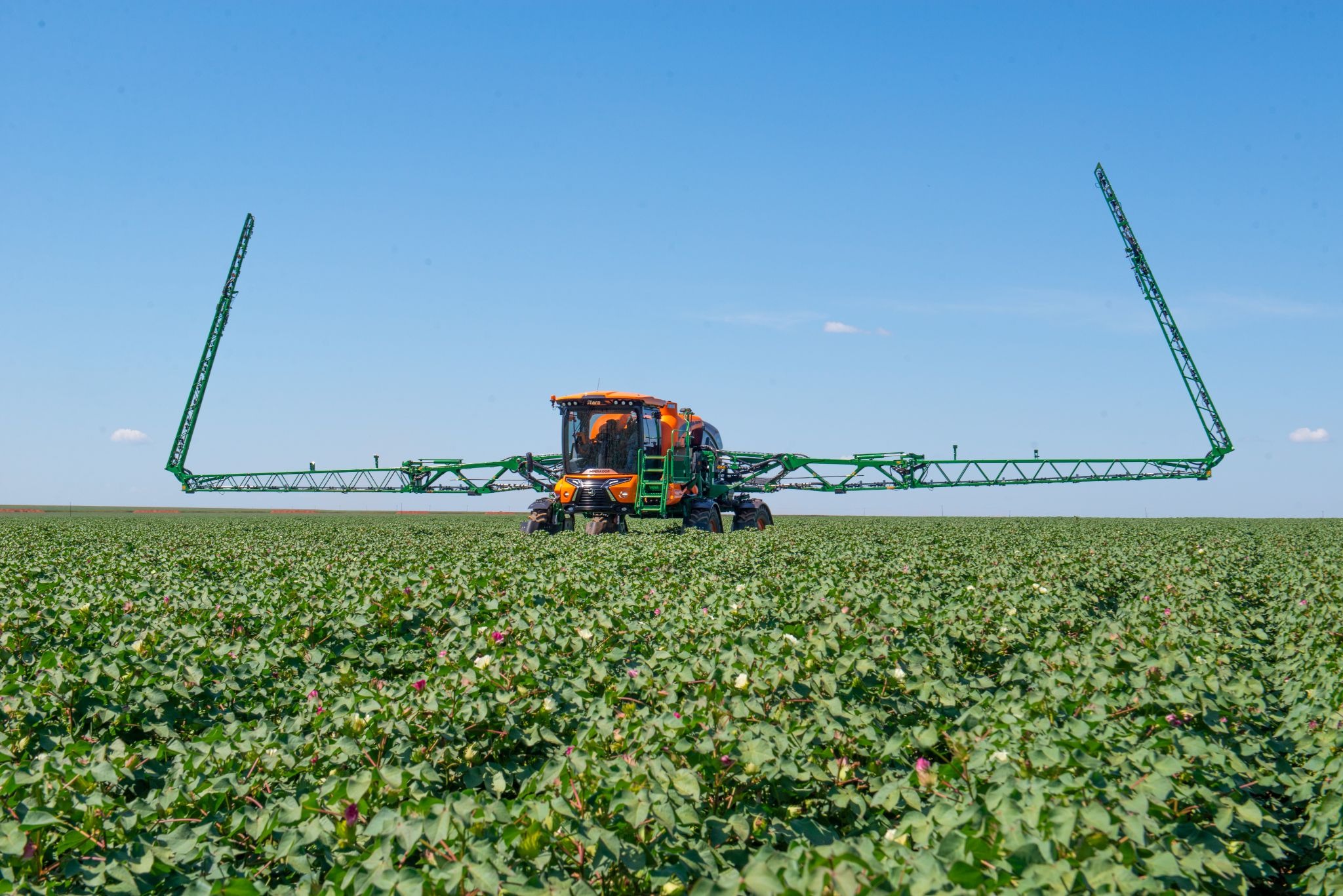
7. Check application with the booms in their working position
Check the sprayer during the first few passes in the field.
On Topper, compare the set and actual application rates, monitor pressure and speed, and watch for alerts. Check how the system responds to brief changes in travel speed.
Observe the booms at the same time. They should maintain a suitable distance above the target, with as little movement as possible to maintain uniform deposition. The centrally mounted booms on the Imperador range help keep the boom assembly stable as the machine travels.
Check that the sections or individual nozzles switch on and off correctly, depending on the machine configuration. Confirm that the spray pattern remains uniform across the full working width. Unstable pressure, localised spraying faults or differences in output along the boom may indicate a blocked filter, worn nozzle tip, air ingress or incompatible settings.
Practical example: checking an application rate of 100 L/ha
Suppose the planned application rate is 100 L/ha, the operating speed is 16 km/h and the nozzle tips are spaced 0.5 m apart. The formula gives a required flow rate of approximately 1.33 L/min from each nozzle tip.
Use the nozzle manufacturer's chart to find a model that delivers this flow within the pressure range specified for the required droplet spectrum. Set 100 L/ha on Topper, pressurise the circuit with clean water and measure the actual flow at different positions along the boom.
If the measured flow rates are close to 1.33 L/min, with no significant differences between nozzle tips, and Topper maintains the application rate as the machine travels, the sprayer is set up correctly. If pressure exceeds the recommended range as speed increases, the nozzle tip may be approaching its operating limit.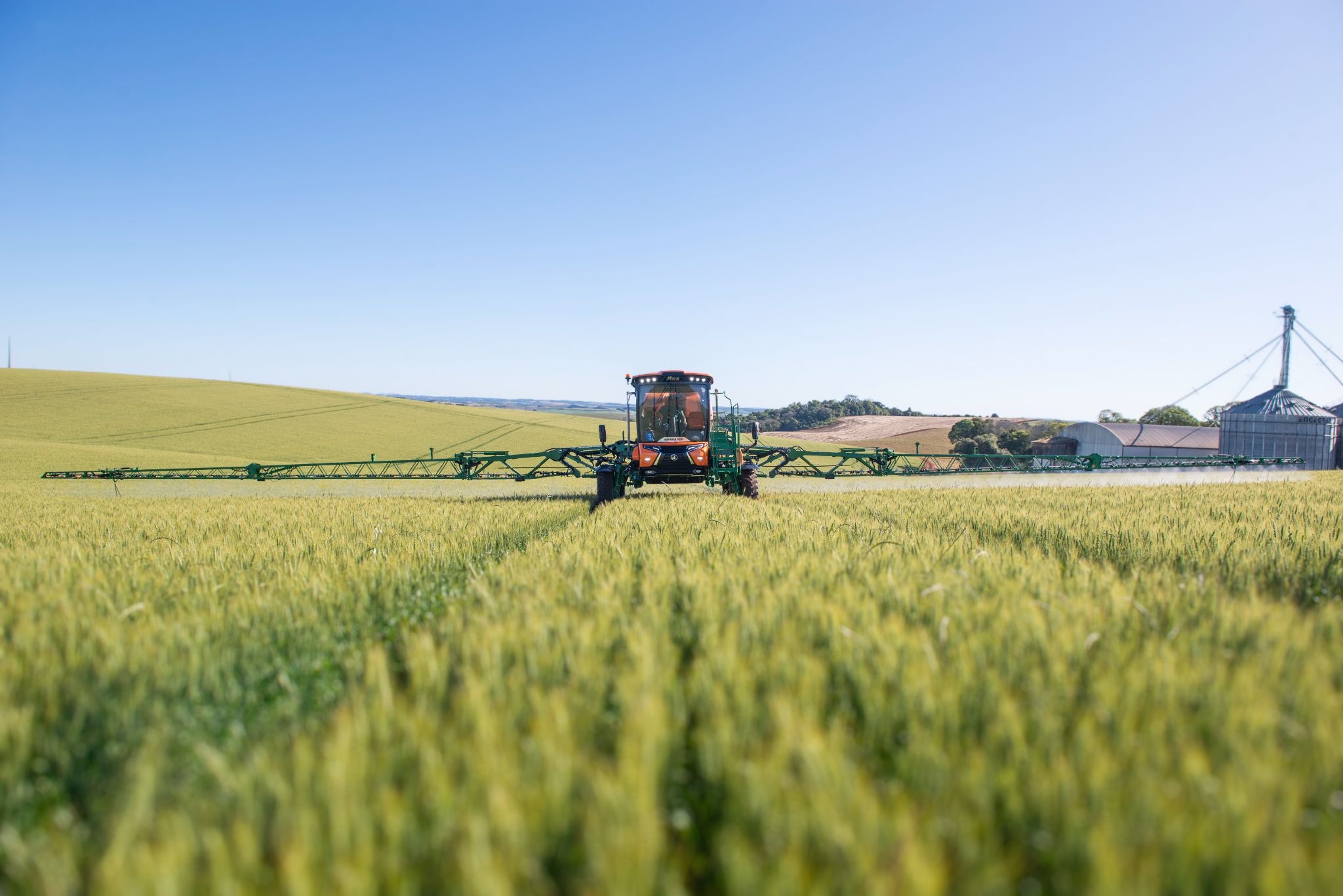
On Imperador 3000 and 4000, the Twin Row Spraying System can alternate between nozzle tip sets or operate them together to meet flow demand while prioritising application quality. This keeps pressure within a stable range throughout application, regardless of travel speed.
Calibration is complete when the measured flow, the rate displayed on the controller and boom behaviour all confirm the required result. If the machine cannot maintain the programmed rate, check its components, entered settings and operating limits before spraying with the product.
Summary of calibration steps
The table below summarises the main task and checks required at each stage.
|
Step |
Main Task |
What to Check |
|
1. Preliminary checks |
Inspect the machine and spraying system components |
Levels, alerts, filters, flow meters and nozzle tips |
|
2. Rate and droplets |
Set the application rate in L/ha and the droplet spectrum |
Suitability for the target, product, crop and weather |
|
3. Nozzle tips |
Select the nozzle tip model and flow rate, and set boom height |
Manufacturer's chart, pressure and droplet spectrum |
|
4. Spray circuit |
Pressurise with clean water and check flow |
Leaks, blockages and spray pattern uniformity |
|
5. Topper |
Enter nozzle tip, pressure and application rate settings |
Correct parameters and no active alerts |
|
6. Flow rate and flow meter |
Measure output, record results and calibrate |
Differences between nozzle tips and between indicated and collected volumes |
|
7. Final checks |
Test under conditions close to normal operation |
Actual application rate, pressure, boom behaviour, section operation and alerts |
How do Imperador technologies help maintain application quality?
Once the settings have been checked, the features available across the Imperador range help maintain the required application standard throughout the job. Each technology addresses a different part of the operation, from boom stability to nozzle and flow rate control.
Application control with Central Booms and the Nozzle-by-Nozzle Control System
The spray booms on the Imperador range are mounted at the centre of the machine. This design improves weight distribution and reduces the extent of boom movement while travelling. Greater stability keeps the nozzle tips at a more consistent distance above the target, helping maintain uniform application across the spray width.
According to FAPA data published by Stara, Central Booms delivered 58% more spray mixture to the target than other boom systems.
The Nozzle-by-Nozzle Control System also helps maintain application quality by controlling nozzle tips individually. Using the machine's position and a record of treated areas, it automatically switches off nozzles as they enter ground that has already been sprayed. This reduces overlaps, particularly along field boundaries, at headlands and where passes meet.
Depending on the sprayer model and configuration, this technology can reduce chemical use by up to 5%. Actual savings depend on field characteristics and operating conditions.
Twin Row Spraying and Continuous Recirculating Systems during application
On Imperador 3000 and 4000 equipped with the Twin Row Spraying System, two rows of nozzle tips can operate alternately or together. This allows spraying over a wider speed range, increasing work rate while helping the tips operate at suitable pressures and produce the required droplet spectrum.
Spraying must still remain within agronomic and machine operating limits. Travel speed must remain appropriate for boom stability, terrain, crop and weather conditions. The system provides a wider operating range while maintaining application quality and preventing drift.
The Continuous Recirculating System keeps the spray mixture circulating through the tank and pipes to maintain a uniform mixture and the specified chemical concentration throughout application. It also helps keep the spraying system clean and free from residues from previous applications, while extending component life.
Topper combines spraying setup, control and monitoring in a single interface, making it easier to operate the machine and make decisions in the field. The operator can monitor operating parameters and control the systems fitted to the sprayer from the same screen. This allows sprayer performance to be monitored and problems requiring attention to be identified quickly. Available functions depend on the Topper model and sprayer configuration.
Weather conditions that limit spraying
Unsuitable weather can compromise application even when the sprayer is correctly set up and calibrated. Wind, temperature and relative humidity affect droplet behaviour and deposition on the target. Smaller droplets are generally more susceptible to evaporation or drift.
Monitor the weather before and during spraying. Follow the product label and instructions for use, the agronomic recommendations and the guidance in the nozzle tip chart. Although conditions may be more favourable at certain times of day, the time alone does not determine when to spray. Base the decision on the conditions in the field during application.
Cleaning the spray circuit
Include spray circuit cleaning in the daily routine, at the end of the working day or when changing products. This prevents residues from previous applications from contaminating the next spray mixture, blocking the system or causing phytotoxicity.
After spraying, empty the tank and dispose of residues according to the product label, instructions for use and applicable legislation. Follow the cleaning procedure in the machine manual, including the tank, filters, flow meters, hoses and nozzle assemblies. Wear the specified PPE and use cleaning products intended for spraying systems, such as ST Tank, available from Stara dealers.
Imperador 3000 and 4000 feature the Self-Cleaning System, which automatically cleans the spray circuit and nozzles, making the process quicker and easier. It assists with cleaning but does not replace the full cleaning and decontamination procedures specified in the machine manual and the recommendations for the products used.
Also clean the cab and wash the outside of the machine to help prolong its service life.
When to recheck calibration
Do not assume that calibration remains valid for the entire season. Recheck it whenever a change could affect flow rate or spraying performance. Examples include replacing nozzle tips, changing the application rate, making a significant change to the operating speed range or working on spray circuit components.
Stop spraying and check the setup if any of the following occur during the working day:
- A persistent difference between the set and actual application rates;
- Pressure fluctuations or pressure outside the specified range for the nozzle tips;
- Recurring flow rate, section or communication alerts on the controller;
- A change in spray pattern or differences between positions along the boom;
- Blocked filters, nozzle tips or nozzle assemblies;
- Leaks, air ingress or spray circuit faults;
- A significant change in weather or terrain conditions.
If the cause cannot be identified using the procedures in the manual, contact Stara Aftersales for support. Through Conecta, the team can access machine information remotely and diagnose faults in real time. The service helps identify and resolve problems, but physical inspections and calibration must still be carried out on the machine.
Calibration turns technology into results in the field
Spraying quality depends on both the technology fitted to the machine and its use under suitable application conditions. Calibration confirms that the sprayer delivers the required application rate.
Across the Imperador range, application control, boom stability and spraying management technologies help the operator maintain this standard throughout the job. When the machine is set up to meet the agronomic requirements, these technologies help deliver more uniform, accurate and efficient application.
Before entering the field, confirm the calibration results and check the operating conditions. With all settings entered and checked, the sprayer will be ready to apply at the required rate, with better deposition on the target, greater savings and less waste.
Frequently asked questions about calibrating Stara self-propelled sprayers
How many litres of spray mixture should be applied per hectare?
There is no single application rate. The volume in L/ha must follow the product label, instructions for use and agronomic recommendation, taking into account the crop, target, product, required coverage and nozzle tip capacity. It must also be compatible with the planned operating speed and pressure range.
How does Topper help with nozzle tip and spray product calibration?
Topper guides the calibration procedure using the nozzle tip type, operating settings and sample volumes entered by the operator. These data are used to adjust the flow meter calibration factor and check the indicated flow rate against the volume actually collected. Nozzle tip output must still be measured physically to identify wear, blockages, leaks or air ingress.
How should the sprayer's operating speed be selected?
Choose a speed that keeps the booms stable and allows the nozzle tips to operate within the intended flow and pressure ranges while producing the required droplet spectrum. On Stara self-propelled sprayers, GNSS provides operating speed data, and the electronic control system compensates for speed changes within the configured operating range. It cannot compensate for an incompatible combination of application rate, nozzle tip and travel speed.
When should the spraying system be cleaned?
Follow the machine manual and the product labels and instructions for use. Clean the system at the end of each working day. Cleaning is especially important when changing products and before spraying if residues from the previous application could cause contamination or crop damage.
When should the sprayer be recalibrated?
Recheck calibration after any change that could affect system performance, such as replacing nozzle tips, changing the application rate or carrying out work on the spraying system. If the actual application rate consistently differs from the set rate, the pressure is unstable, the spray pattern changes or alerts recur, check the machine before continuing to spray.
Explore Stara's range of self-propelled sprayers
The Imperador range offers capacities and configurations to suit different fields, crops and spraying requirements. Technologies such as Central Booms, the Nozzle-by-Nozzle Control System, the Continuous Recirculating System and Topper ensure efficient operation and consistent spray application.
Explore Stara self-propelled sprayers, compare specifications and contact your nearest Stara dealer to find the right configuration for your farm.